
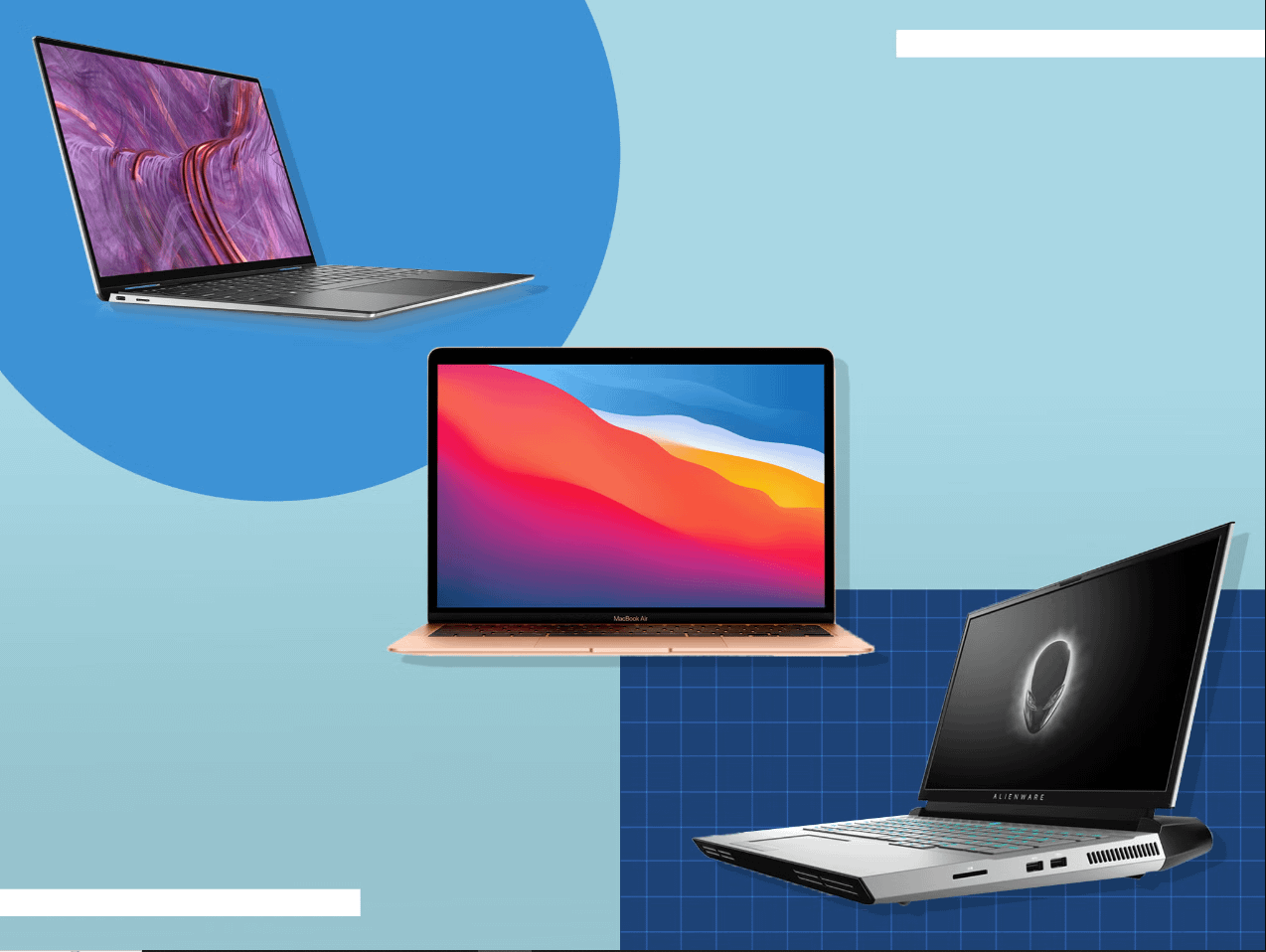
Laptops have revolutionized the way we work, study, and entertain ourselves. With endless options available, picking the perfect laptop can feel like finding a needle in a haystack. However, by understanding a few key factors, you’ll be well on your way to finding your ideal portable computing companion.
1. Define Your Purpose: Start with WHY
Before diving into specifications, consider what you’ll primarily use the laptop for:
- Everyday tasks: Web browsing, email, social media, light document editing, and streaming? A budget-friendly option with decent performance will suffice.
- Graphic design/Video Editing: If you work with visuals, prioritize a powerful processor, dedicated graphics card, ample RAM, and a high-resolution display.
- Gaming: A gaming laptop demands top-tier graphics, a fast processor, high refresh-rate display, and robust cooling to handle intense gaming sessions.
- Student life: Seek a versatile machine for note-taking, research, and some entertainment—prioritize long battery life, portability, and a comfortable keyboard.
- Business Professional: Look for reliability, security features, excellent battery for on-the-go work, and a professional-looking design.
2. Operating Systems: Windows, macOS, or Chrome OS?
Your choice of operating system significantly impacts the software you can use and overall user experience:
- Windows: Offers the most extensive software compatibility, familiar interface, and is excellent for both work and play.
- macOS: Known for its user-friendliness, sleek design, and seamless integration within the Apple ecosystem (ideal if you own an iPhone or iPad).
- Chrome OS: Prioritizes web-based apps and cloud storage, offers a simple interface, and is often found on budget-friendly Chromebooks.
3. The Essentials: Processor, RAM, and Storage
These core components dictate your laptop’s performance:
- Processor (CPU): The “brain” of your laptop. For everyday use, Intel Core i3 or AMD Ryzen 3 processors are sufficient. Demanding tasks require Intel Core i5/i7 or AMD Ryzen 5/7.
- RAM (Memory): Acts as short-term storage for running applications. 8GB is a good baseline, 16GB or more is recommended for power users.
- Storage: Choose between traditional hard drives (HDDs) for ample space, or faster, pricier solid-state drives (SSDs) for quick boot-ups and snappy performance. A combination (smaller SSD for operating system/key programs + larger HDD for files) is often ideal.
4. Display and Design Matter
Consider these aspects for a comfortable viewing experience and the right style:
- Screen Size: 13-14 inches for portability, 15 inches is standard, 17 inches for a more desktop-like setup.
- Resolution: Full HD (1920×1080) is the minimum standard, consider higher resolutions (like 4K) for graphic work or crisp images.
- Panel Type: IPS offers better viewing angles. OLED displays boast deeper blacks and vibrant colors.
- Weight and Materials: Aluminum or magnesium construction offers durability with lighter weight. Consider portability needs.
5. Battery Life: Don’t Be Tethered to an Outlet
If you often use your laptop away from a desk, battery life is crucial. Look for real-world usage numbers in reviews rather than relying solely on manufacturer claims. Aim for at least 8 hours for casual use, and 10+ hours for a full workday on the go.
6. Extra Considerations
These might not be essential for everyone, but can make a big difference:
- Ports: Do you need USB-C, Thunderbolt, HDMI, or an SD card reader? Ensure the laptop has the connections you need.
- Webcam and microphone: Essential for video calls, especially in the era of remote work and learning.
- Keyboard and trackpad: A comfortable keyboard makes a huge difference for long typing sessions. Look for well-spaced keys and a responsive trackpad.
- Touchscreen: Offers direct interaction on convertible 2-in-1 laptops, useful for note-taking or artistic work.
7. Don’t Overlook Your Budget
Laptops range from budget-friendly to premium investments. Set a realistic budget before browsing. Remember, you can often find excellent value by getting slight variations on specifications.
8. Specialized Needs
Think about additional requirements if you have specific use cases:
- Graphic Designers: A color-accurate display (covering a broad percentage of Adobe RGB or sRGB color spaces) is essential. A powerful dedicated graphics card (Nvidia or AMD) speeds up rendering and editing tasks.
- Videographers: Similar needs to graphic designers, with the added consideration for large storage capacity to handle video files.
- Gamers: Focus on dedicated graphics cards from the latest Nvidia GeForce or AMD Radeon lines. A display with a high refresh rate (120Hz+) ensures smoother visuals. Don’t overlook the need for robust cooling.
- Students: Prioritize portability, durability, and long battery life. 2-in-1 designs with touchscreen and stylus support can be great for note-taking.
- Business Professionals: Look for security features like fingerprint sensors and TPM chips. Webcam and mics are a must. Consider a sleek and professional design.
9. Before You Buy: Look for Reviews, Test If Possible
Don’t trust marketing jargon alone.
- Read Reviews: Look for reputable sources, not just star ratings. They’ll highlight real-world performance, battery life issues, or build quality concerns.
- Test in-person: If possible, visit a store and try out the keyboard, trackpad, and check the display from different angles. This can make a huge difference over buying sight unseen.
10. When in doubt, Versatility is King (or Queen!)
If you have a mixed set of needs, prioritize a well-rounded laptop. Look for the following:
- Moderately Powerful Processor: An Intel Core i5 or AMD Ryzen 5 series will handle most tasks with ease.
- Expandable RAM: Being able to upgrade RAM down the line gives you flexibility as your needs evolve.
- Combination Storage: Even a small SSD in addition to a hard drive makes a noticeable difference in system responsiveness.
- Decent Display: Opt for an IPS panel and Full HD resolution as a baseline for a good all-around experience.
Bonus Tips:
- Don’t be afraid of refurbs: Certified refurbished laptops offer great value for money.
- Look out for sales or deals: Time your purchase around holidays or back-to-school season for potential discounts.
- Protect your investment: Get a sleeve or protective case to avoid scratches and bumps.
- Consider extended warranties: If you’re prone to accidents or want long-term peace of mind.
The Right Laptop Makes All the Difference
Choosing the ideal laptop is an investment in your productivity, creativity, and entertainment. By understanding your own needs and keeping these factors in mind, you’ll be equipped to find a portable powerhouse that perfectly suits your lifestyle and work style for years to come.
About the Author